
Overview of the Planned Security Changes
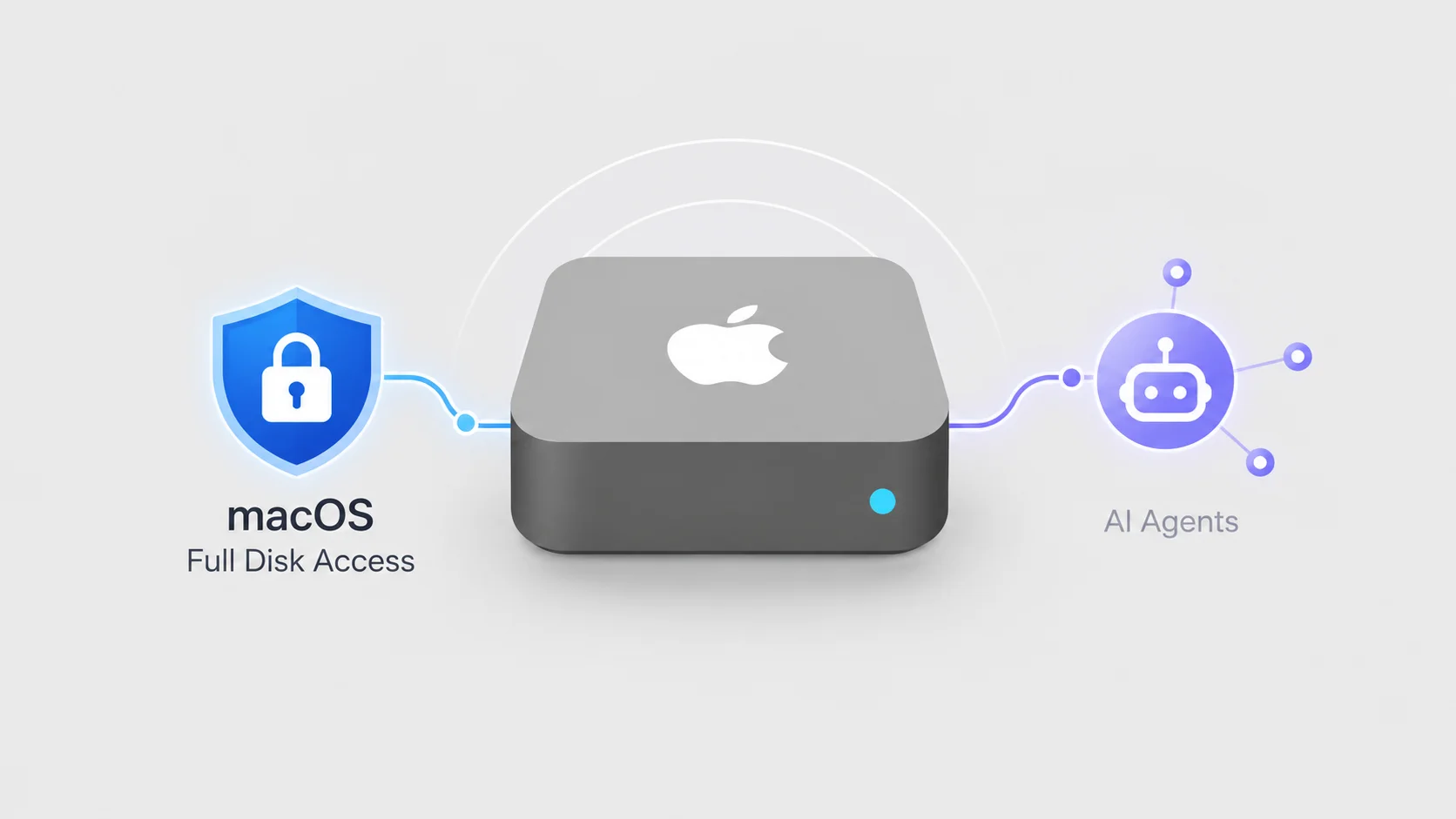
Apple is planning to introduce stronger controls to the Full Disk Access setting in macOS to prevent unintended exposure of user records. The operating system feature, which grants deep visibility into local files and configuration stores, is undergoing a reassessment inside Apple as artificial intelligence tools become more capable and operate with greater autonomy. As reported by Cyber Security News, the forthcoming update directly addresses how applications interact with local file stores and sensitive user databases.
Under the planned changes, users will face a far more deliberate requirement before any utility or third-party application can receive broad file privileges. While Apple has confirmed the intent to strengthen the permission model, the company has not yet released the exact interface design, the official release date, or the specific macOS versions that will support the new controls. Despite the upcoming guardrails, the architecture will continue to support legitimate administrative tools, ensuring that backup, security, and system recovery utilities do not lose their essential operational capabilities.
What Full Disk Access Controls and Why It Exists
Full Disk Access is an elevated administrative privilege within macOS. When granted to an application, it permits that software to bypass ordinary sandboxing and individual directory restrictions, unlocking access to files across the entire Mac storage system. This level of access grants visibility into personal data repositories that standard applications are strictly barred from opening.
Protected Repositories and Data Streams
Ordinarily, macOS isolates critical user content inside protected directories governed by system permission checks. However, when an app holds Full Disk Access, it can inspect, modify, or extract contents across a wide array of system-critical databases. These include:
- Personal email records stored by Mail
- Complete conversation histories and attachments inside Messages
- Browsing profiles, web history, and cache stores originating from Safari
- Connected home automation configurations and records within the Home app
- System archives, past snapshots, and incremental backups managed by Time Machine
- Restricted system settings and configuration databases
Because these directories contain an aggregate history of a user’s communications, physical locations, smart home devices, and device snapshots, any privilege that bypasses individual folder checks inherently exposes the broad totality of personal computing activity.
Original Design Intent for Administrative and Backup Tools
Apple did not implement Full Disk Access to serve general consumer software. The permission was originally designed to allow trusted Mac tools, primarily backup software, to bypass standard privacy limits when needed. Utilities tasked with backing up an entire storage volume or migrating system images require unrestricted visibility to duplicate files across system boundaries without triggering hundreds of individual directory prompts.
Over time, the mechanism expanded beyond disk duplicators. Specialized maintenance tools, antivirus engines, and disaster recovery utilities came to rely on the mechanism to perform disk-wide integrity analysis, scan for active system threats, and execute whole-system restoration workflows. Because these tools legitimately operate across protected folders, macOS retained Full Disk Access as a comprehensive bypass switch for qualified system utilities.
The Driver Behind the Shift: Autonomous AI Agents and Emerging Vulnerabilities
The primary catalyst for revising the permission structure is the rapid evolution of artificial intelligence. Apple warned that Full Disk Access can expose sensitive user records as AI agents become more capable. The technical dynamic changes dramatically when local software does not merely execute fixed, hardcoded scripts, but instead parses, reasons over, and moves across local file structures autonomously.
Heightened Risks from Autonomous Tool Operation
Apple stated that risks will increase substantially as AI tools gain capability and operate with greater independence. While standard utility software generally searches for fixed file patterns or backs up static archives, an agentic AI utility equipped with disk-wide read privileges can parse natural-language documents, review personal chat threads, index unstructured local media, and inspect Safari browsing habits.
Because AI systems can chain multiple tasks together, grant recipients might leverage broad permissions to analyze context across disparate files—linking home security configurations from the Home application with location data or personal correspondence found in Mail and Messages. Apple stated that some developers are already utilizing Full Disk Access in ways that leave users unaware of the volume of data an app can observe, creating a severe visibility gap between user intent and software execution.
TCC Protections, Bypass Vulnerabilities, and Ransomware Concerns
The planned update arrives amid elevated scrutiny regarding the core security primitives governing Apple operating systems. Cyber Security News, reporting on details highlighted by Guru Baran, noted that the update follows broader concerns over macOS Transparency, Consent, and Control (TCC) protections.
TCC is the underlying subsystem responsible for regulating software access to privacy-sensitive components, such as directories, webcams, and microphones. Research and industry disclosures have documented vulnerabilities where malicious actors or misconfigured apps attempted a TCC bypass vulnerability to quietly elevate privileges without explicit authorization. Furthermore, reports have underscored the danger of AI agents carrying out ransomware activity. In such a scenario, an automated tool with broad file privileges could traverse directories and alter or encrypt user files under the guise of an administrative routine.
Current macOS Configuration Versus Planned Deliberate Actions
Under current macOS settings, Full Disk Access requires users to manually add an app through the Privacy & Security menu. An application cannot unilaterally grant itself the permission; it typically requests that the user open system settings, authenticate, and toggle an authorization switch or drag an application bundle into a management list.
How Full Disk Access Operates Today
Presently, managing permissions involves navigating to System Settings > Privacy & Security > Full Disk Access. In this interface, administrators can view the list of third-party software currently authorized to bypass standard directory sandboxes. Removing or adding applications requires local device authentication.
However, once granted, the permission remains broad and continuous. The system does not prompt the user for individual actions within that app, nor does it provide a granular inspection interface detailing which directories the tool accesses over time. If a user grants the privilege to assist with a one-time onboarding workflow or file indexing task, that application retains silent, system-wide access indefinitely until the user manually returns to the preference pane to revoke it.
The Move Toward More Deliberate User Consent
Apple stated that the planned changes will require users to take a far more deliberate action before granting an app Full Disk Access. While Apple has not detailed the functional user experience, the explicit objective is to disrupt automatic, careless, or uninformed authorizations.
By forcing a more rigorous confirmation path, the operating system aims to ensure that users comprehend the comprehensive nature of the access they are handing over. Rather than treating disk-wide access as a minor step during installation, the new model aims to clearly signal that granting the permission exposes deeply private stores, including messages, personal correspondence, and local backups.
Developer Practices and Data Visibility
The planned shift also serves as a warning to software developers regarding the scope of system permissions they request. Apple noted that some developers are utilizing Full Disk Access in ways that leave users unaware of the volume of data an app can observe. In multiple instances across the software ecosystem, applications have requested complete disk clearance simply to streamline general document workflows, rather than implementing standard file pickers or folder-specific access methods.
When an application relies on disk-wide permissions instead of constrained APIs, it circumvents the visibility models built into macOS. The end user rarely realizes that the utility, once authorized, has the technical capability to read Safari session logs, Time Machine configurations, or Mail databases. By imposing stricter hurdles, Apple is positioning full access as an absolute exception rather than a routine shortcut for third-party file handling.
Continuity for Legitimate Security, Backup, and Recovery Software
A central technical concern surrounding any permission overhaul is whether legitimate system-level utilities will cease to function. Comprehensive system tools rely on these deep integrations to perform disaster recovery, scan for malware across hidden volumes, and automate system-wide image creation.
The planned change does not appear to eliminate Full Disk Access for legitimate security, backup, or recovery software. Apple’s intervention is structured to modify the authorization requirements and consent friction, not to deprecate the underlying permission altogether. Vendors maintaining legitimate enterprise backup suites, forensic auditing utilities, and local recovery frameworks will retain their ability to read storage volumes, provided the user explicitly approves the elevated privileges through the updated administrative workflow.
Technical and Administrative Limitations
While Apple has articulated the strategic need for the changes, significant operational details remain undisclosed. System administrators and enterprise fleet managers must navigate several clear uncertainties ahead of the rollout:
- Interface and interaction design: The exact user interface or functional design of the new controls has not been disclosed, leaving it unclear whether it will introduce new prompt styles, multi-step verification, or time-delimited grants.
- Launch timeline: The release date for the update is unspecified.
- Platform compatibility: The specific macOS versions that will support the new Full Disk Access controls are unknown, leaving enterprise managers uncertain whether the protections will backport to legacy releases or remain exclusive to newer macOS branches.
Administrative Guidance: Auditing Current Permissions
Because the new controls remain in development, users are advised to manage existing permissions by navigating to System Settings > Privacy & Security > Full Disk Access. Security reviews should focus on eliminating dormant or non-essential applications that have retained administrative reach.
Users and systems administrators should review their installed application lists to verify that only essential, highly trusted tools retain the toggle. In particular, any consumer application, unverified AI assistant, or utility that does not strictly perform volume-wide operations should be evaluated and removed from the Full Disk Access list to prevent unauthorized access across Mail, Messages, and local disk volumes.
Summary of What to Watch Next
The hardening of macOS permissions marks a clear convergence between traditional operating system security and the rapid proliferation of autonomous software agents. As AI systems acquire the capability to analyze local file systems independently, traditional consent mechanisms that grant blanket access pose heightened systemic hazards.
Moving forward, the technology sector will watch for Apple’s formal disclosures detailing the exact user experience, enterprise management profiles, and the final schedule for integrating these controls into macOS releases. Until then, managing active application permissions via the existing Privacy & Security interface remains the primary line of defense against excessive system visibility.